Microsoft Power Apps has become one of the most talked-about tools in enterprise software in 2026. But for many business owners and managers, it still raises more questions than answers: What is it, really? Is it just another Microsoft product, or does it deliver genuine value? This guide cuts through the noise and explains what Power Apps actually is, how it works, and whether it makes sense for your business.
What Is Power Apps?
Power Apps is Microsoft’s low-code application development platform, part of the broader Microsoft Power Platform. It enables organisations to build custom business applications without writing complex code, connecting to data sources ranging from SharePoint, Dataverse and SQL Server to Excel, Salesforce and hundreds of other services through its connector library.
In practical terms, this means a business can create a tailored app for tracking inventory, managing field service reports, handling approvals or onboarding employees, all without hiring a full development team. The platform has matured considerably since its 2016 launch and now powers millions of applications across organisations of all sizes.
The three types of apps you can build
Canvas apps: drag-and-drop interface, completely freeform layout. Best for specific processes like inspection checklists, expense submission or field service reporting.
Model-driven apps: data-first approach built on Dataverse. Ideal for CRM-style systems, case management or any process with structured data relationships.
Power Pages: external-facing web portals for customers, suppliers or citizens, with authentication, forms and database access built in.
Power Apps Within the Microsoft Power Platform Ecosystem
Power Apps does not work in isolation. It is part of a connected suite of tools that, when used together, can automate and analyse entire business processes end to end.
Tool
Function
How it connects to Power Apps
Power Automate
Workflow automation
Trigger flows directly from inside your app
Power BI
Business intelligence dashboards
Embed live reports and charts in app screens
Power Virtual Agents
AI chatbots (no code)
Add conversational assistants to your app
Dataverse
Cloud database
Structured data storage for model-driven apps
If your organisation already uses Microsoft 365 (formerly Office 365), you may already have access to basic Power Apps capabilities included in your subscription, at no additional licence cost, as long as you use standard connectors only.
What Are Businesses Using Power Apps For in 2026?
The most common use cases we see across Yeeply-certified companies working with UK and European clients:
Field service and maintenance reporting apps (replacing paper or Excel)
Internal approval workflows for expenses, invoices and purchase orders
Inventory tracking and warehouse management
Employee onboarding and HR request handling
Audit checklists and quality control forms
Lightweight CRM tools for sales teams that do not need full Salesforce
Help desk and IT incident management portals
Supplier or customer-facing portals via Power Pages
Honest Pros and Cons of Power Apps
Why businesses are choosing Power Apps
Speed: a functional app can be ready in days, not months.
Native Microsoft 365 integration: connects directly with SharePoint, Teams, Outlook and Excel with no extra work.
Lower infrastructure costs: Microsoft manages hosting, updates and security in the cloud.
Scalability: start with a simple canvas app and evolve it into a model-driven system as needs grow.
Predictable cost: per-user subscription model with no infrastructure surprises.
Limitations you should know before committing
Performance with large data volumes: canvas apps have a 500-record default limit with SharePoint as the data source (expandable with Dataverse, but at added cost).
Microsoft ecosystem lock-in: migrating away from Power Apps later is not straightforward.
Premium connectors: connecting to Salesforce, SAP or external SQL databases requires a Premium licence per user.
Design constraints: visual customisation is more limited than a natively developed app.
Learning curve: while it is low-code, building Power Apps with proper architecture and best practices requires training.
Is Power Apps Worth It for Your Business?
Power Apps is the right choice when you need to digitise a specific internal process quickly, already work within the Microsoft 365 ecosystem, and the process does not require a highly bespoke user experience or complex multi-system integrations.
For strategic, customer-facing products or processes with complex logic and high performance demands, custom development typically delivers better long-term value. Yeeply has certified companies specialising in both Power Apps and custom development across the UK and Europe, including Spanish teams that can deliver the same quality at 30-40% lower cost.
Not sure which approach suits your project? Write to us at sales@yeeply.com or click “Request a quote” and we will give you an honest recommendation within 48 hours.
What is the ISO 27001 certification cost in the UK? 2026 prices for consultancy, UKAS audits and upkeep by company size, plus how Cyber Essentials fits in.
What the EU AI Act requires for audit trails in high-risk AI systems: what information must be logged, retention periods and how to implement logging from the architecture design stage.
What AI systems are already banned in Europe under the EU AI Act since February 2025: emotion recognition at work, social scoring, real-time biometric identification and more.
What is RAG? A plain-English guide to AI that answers from your company's documents: how it works, permissions, security, costs and use cases. Prices included.
Step-by-step AI Act compliance roadmap for 2026: which deadlines have already passed, what August 2026 brings, and how to prioritise actions based on your AI system type.
Practical guide to the EU AI Act 2026: risk pyramid, who must comply, deadlines already in force and fines of up to €35M. What UK businesses developing or using AI need to know.
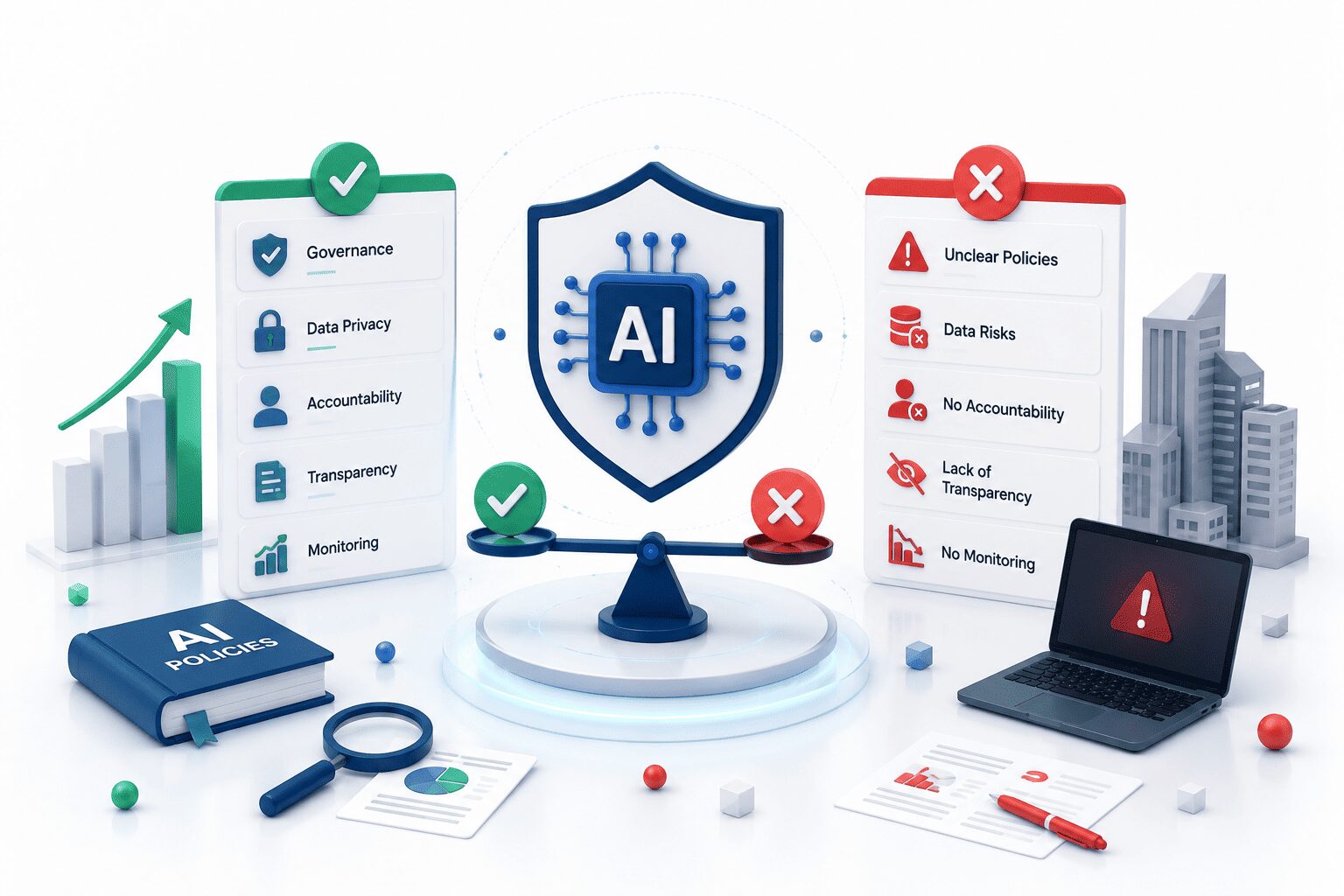
What good AI governance looks like in practice for UK enterprises: what companies are getting right, what they miss, and the regulatory landscape for 2026.
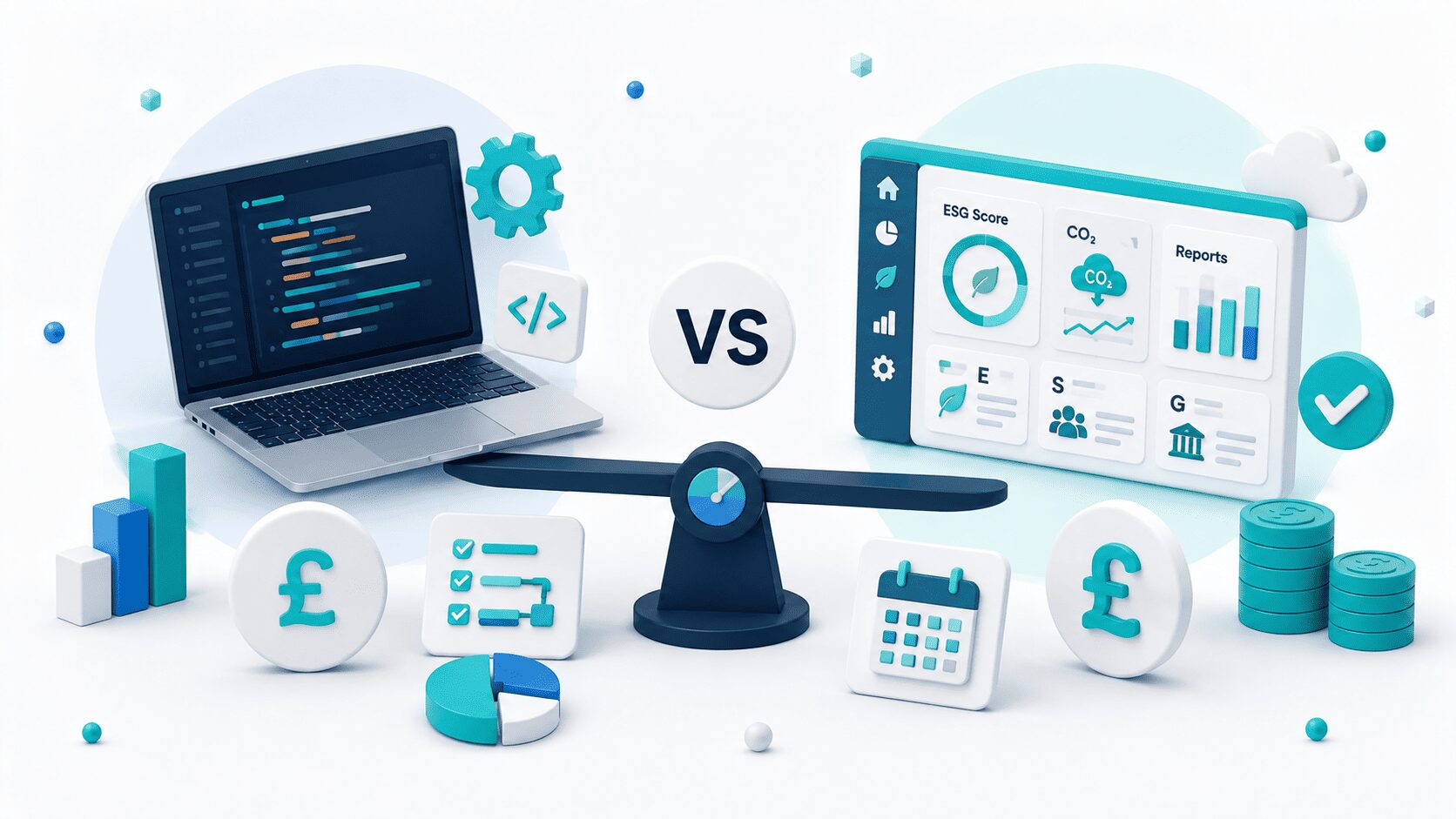
Build vs buy for ESG reporting software: licence costs, integration reality, and when custom development makes more sense than an off-the-shelf platform.